Three photographs, in this order
The Velqo app's camera screen asks for up to three photos, each with a short note on what to show.1 The same three shots work well for anyone you send pictures to.
- The whole piece: front-on, in good light.
- The maker's mark: on the base, the back or a label.
- A close detail: texture, wear or damage.
The second and third are optional in the app, and you can identify a piece from the first photo alone, but each extra angle gives more to read.1
Find good light
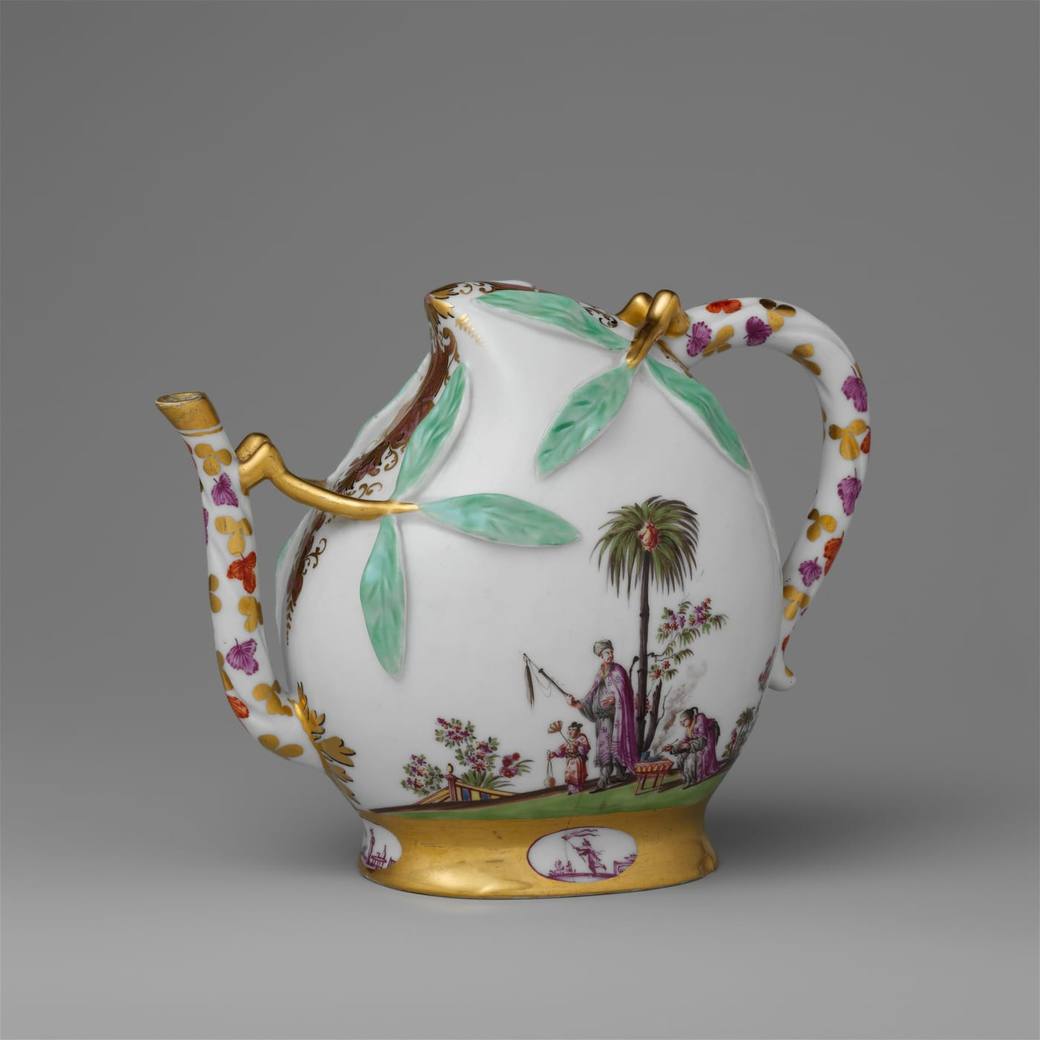
The app's tips put it simply: daylight from a window is best, and flash glare and deep shadow both hide detail.1 If a photo comes out dark, the app suggests moving near a window or switching on a lamp, because the details that date a piece get lost in low light.1
Marks behave differently under light depending on how they were made. A mark painted on a flat, pale base is the easy case. A mark pressed into the clay or struck into metal often has no colour of its own, so it shows only as a change in the surface.
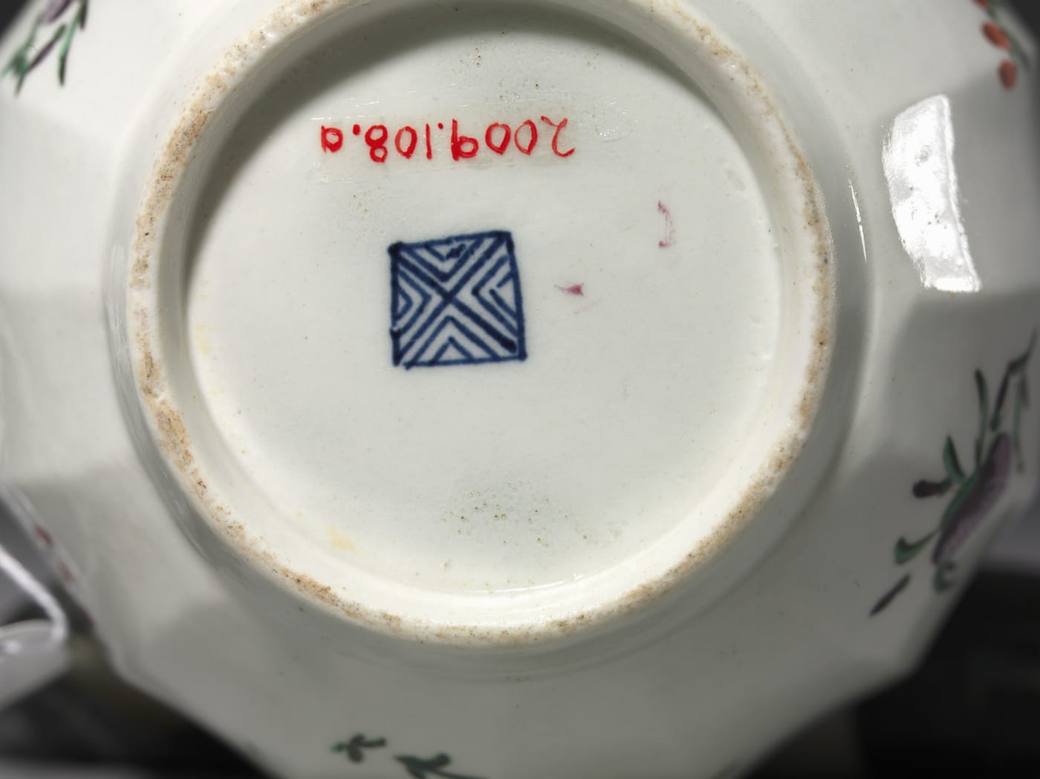
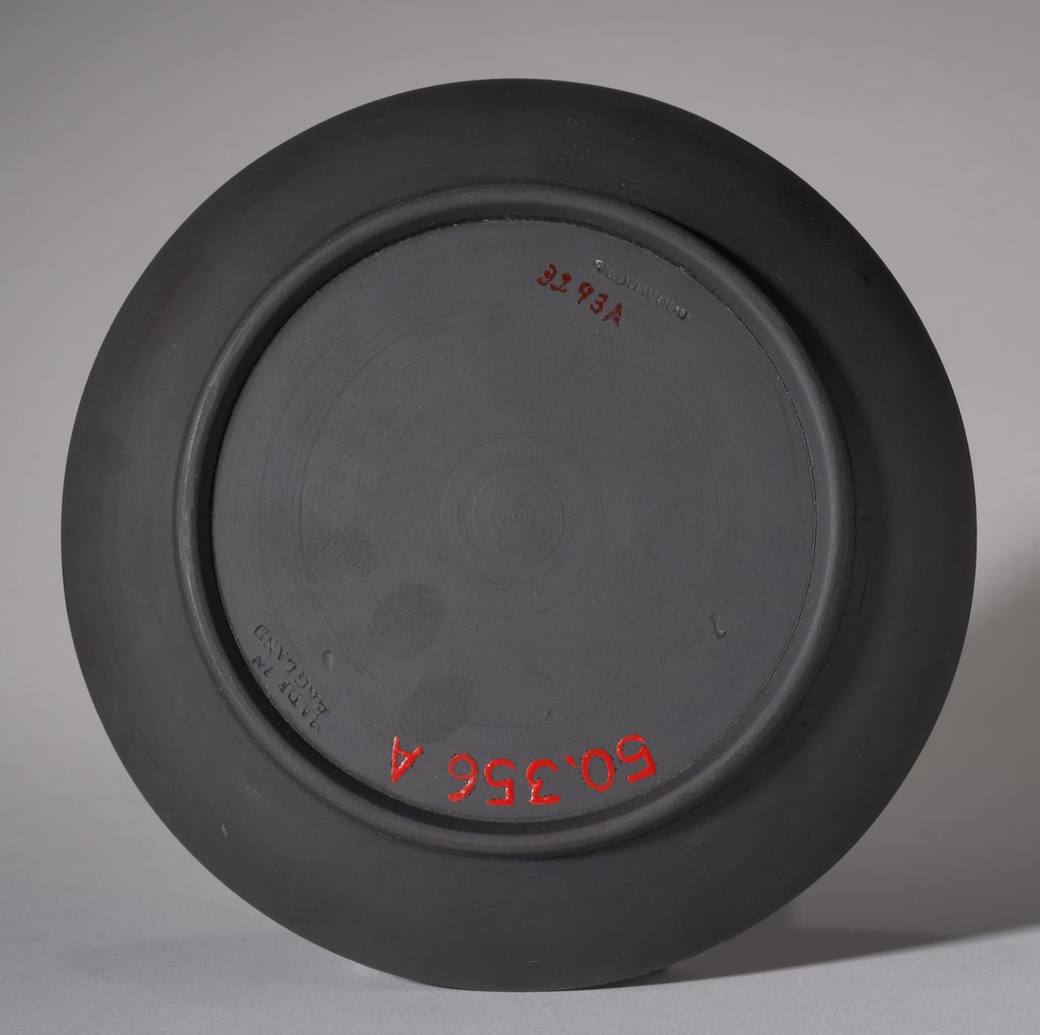
The two photographs above show the gap. The saucer's impressed letters are there, but they are small, unpainted and on a black surface, so a shot of the whole base cannot show them. A second, much closer photo of the lettering on its own is what such a mark needs.
Hold steady and tap to focus
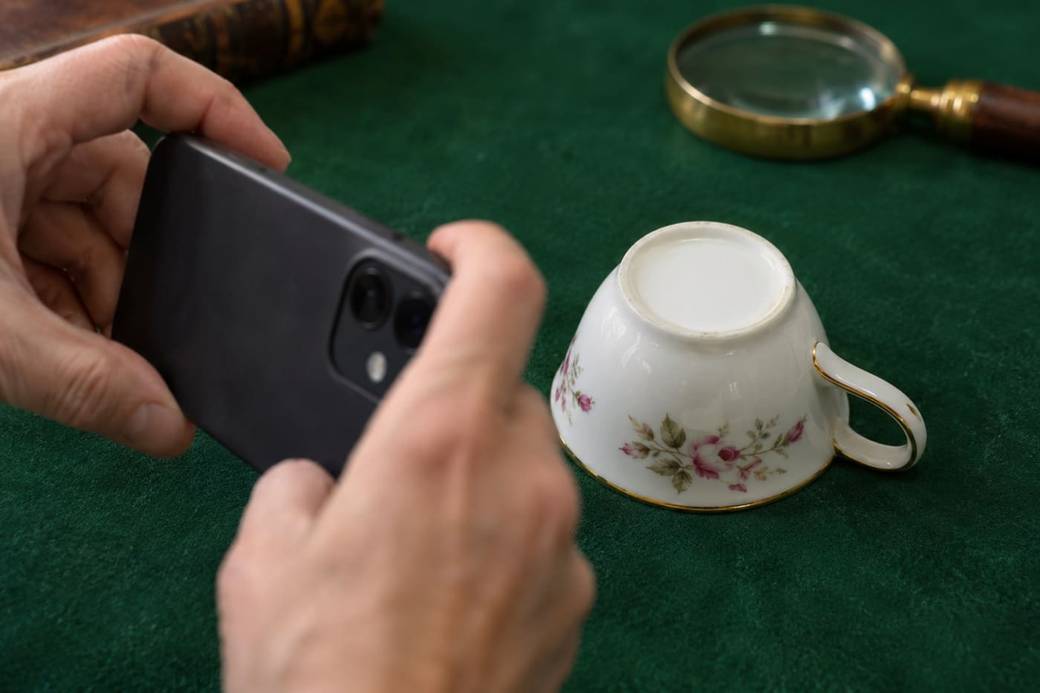
Blur hides the small details that date a piece. The app's advice is to tap the piece on screen so it is sharp, then keep still as you shoot.1 The app checks each photo for blur and for darkness as it comes in, and flags one that looks blurry or too dark, with the option to retake it, keep it, or carry on anyway.1
Fill the frame, and closer still for marks
The app's tip is to get close so the piece fills the photo, and closer still for marks.1 When a result cannot be given, its suggestions are to move closer so the subject fills the frame, shoot in good natural light without shadows, and keep the camera steady.1
Marks inside a deep foot
Some marks sit where light hardly reaches. On the Minton vase below, the gilt globe is inside the foot, surrounded by dark glaze that throws back reflections, and the impressed marks and numerals beside it are much harder to make out than the gilding.
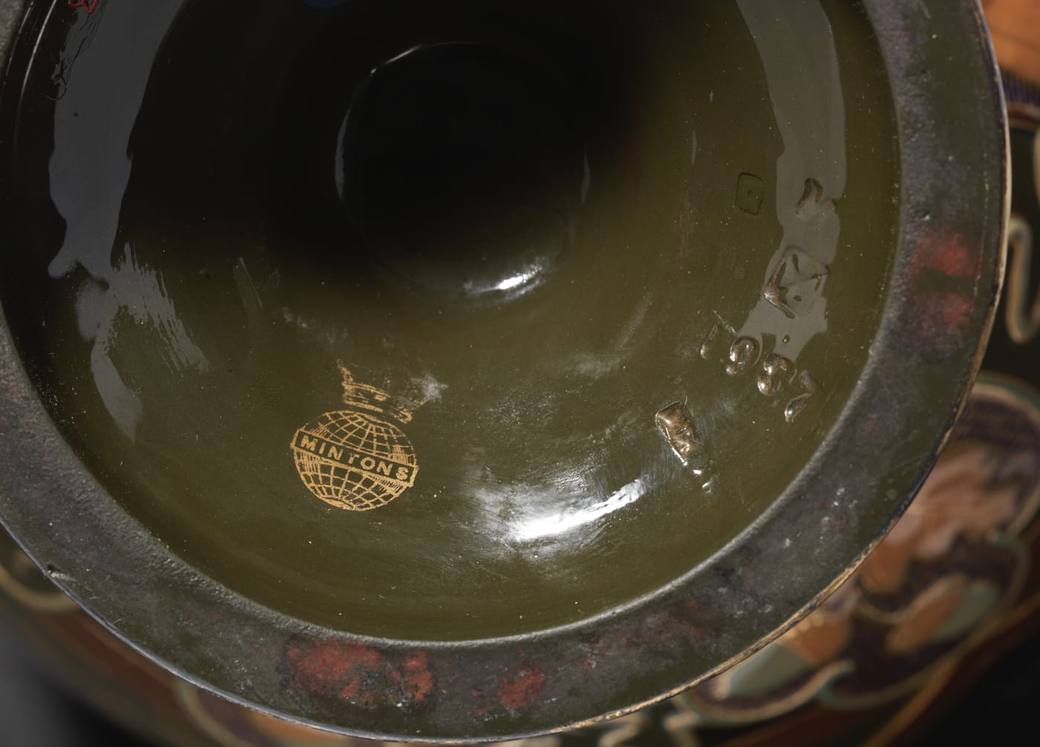
A mark like this needs the light to reach into the foot, and the camera close enough that the mark, not the rim, fills the picture. If the app says a photo is too dark, that is usually the reason, and a lamp or a brighter window is the fix it suggests.1
Every mark on the base, and the damage beside it
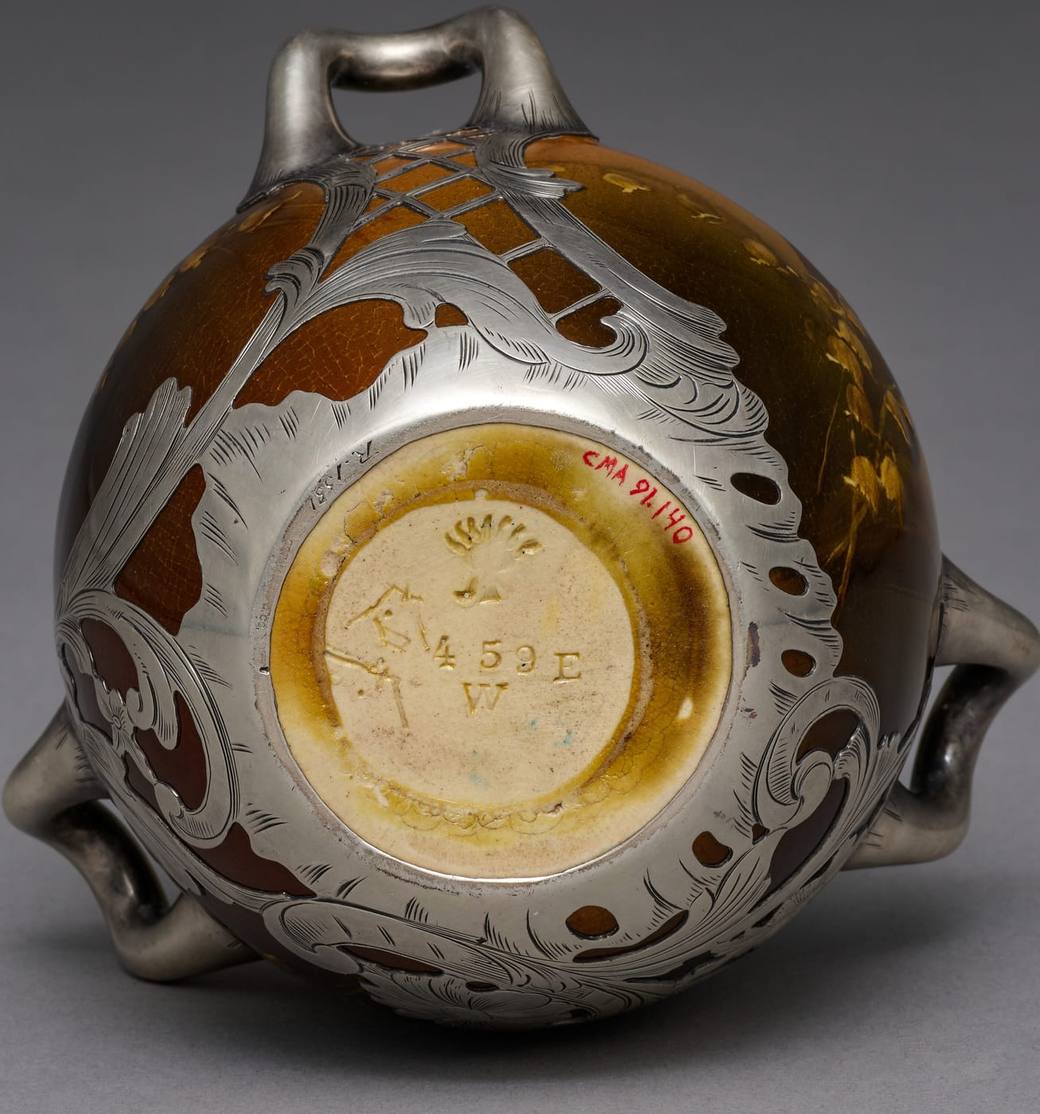
A base often carries more than one mark: a factory mark, a number, a painter's or decorator's sign, sometimes a paper label. The app's mark slot asks for the base, the back or a label, so include them all in the shot rather than cropping down to the one you recognise.1 The Rookwood photograph above is a good example. Its museum record also notes a second stamp, from a silver maker, on the rim of the silver overlay.5
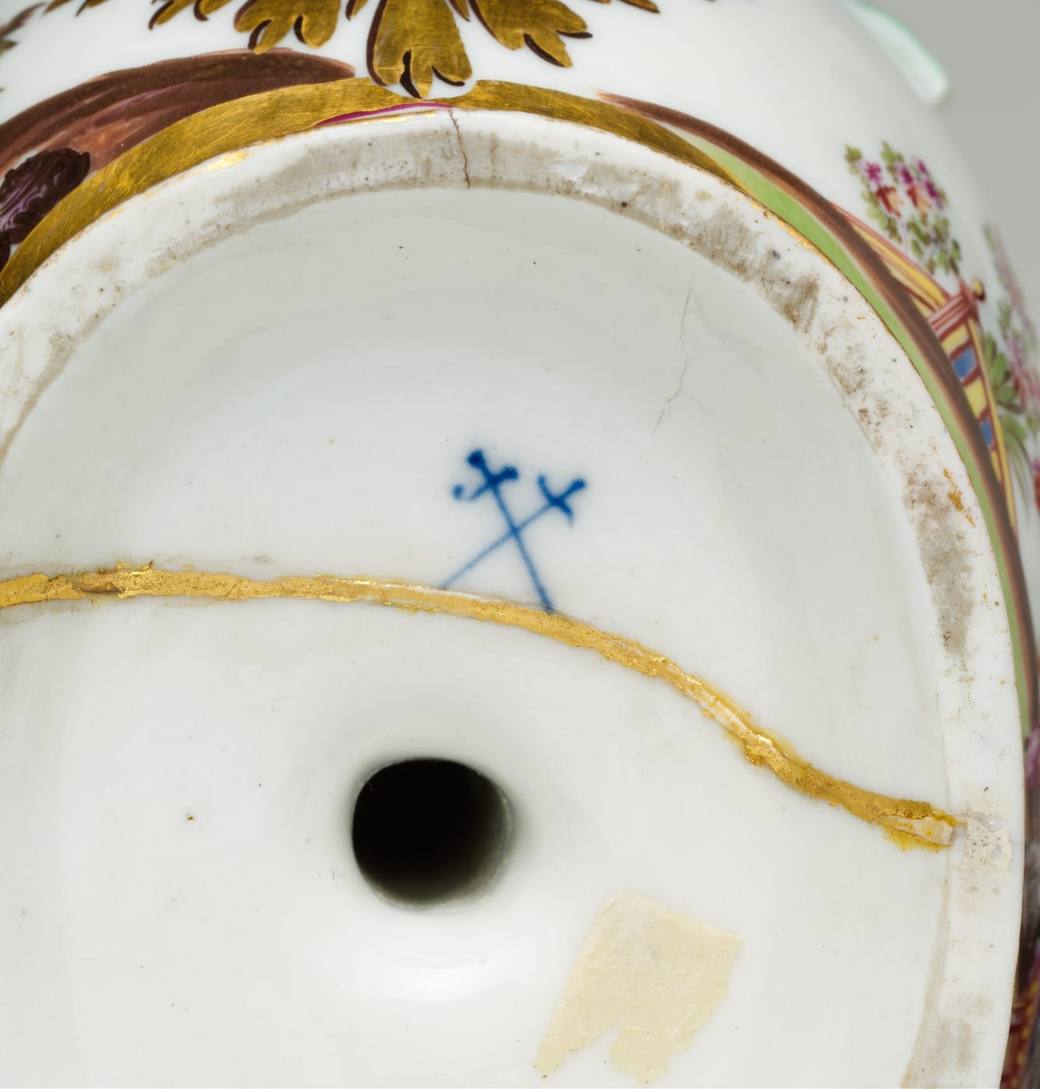
Close photographs of a mark also record the condition around it, like the repair line under the swords above. The app's optional third photo is for exactly this: texture, wear or damage.1
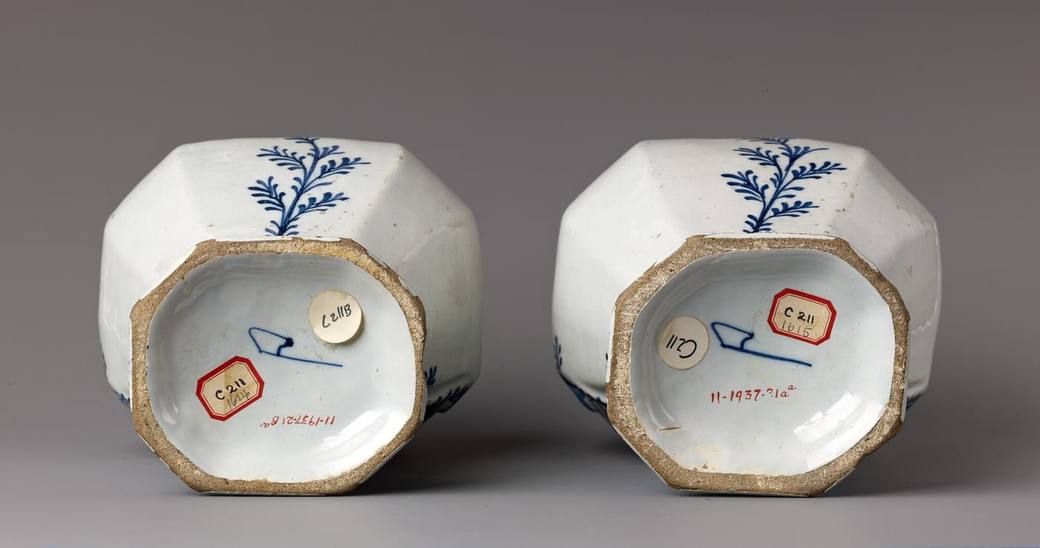
Not everything written on a base came from the maker. Several of the museum photographs on this page show the museum's own accession numbers in red beside the mark, and the Delft bases carry museum labels. The V&A even describes one letter on a Sèvres saucer as probably a nineteenth century addition.9 Photograph what is there, and let whoever reads the photo decide what belongs to the maker.
Shiny silver and curved surfaces
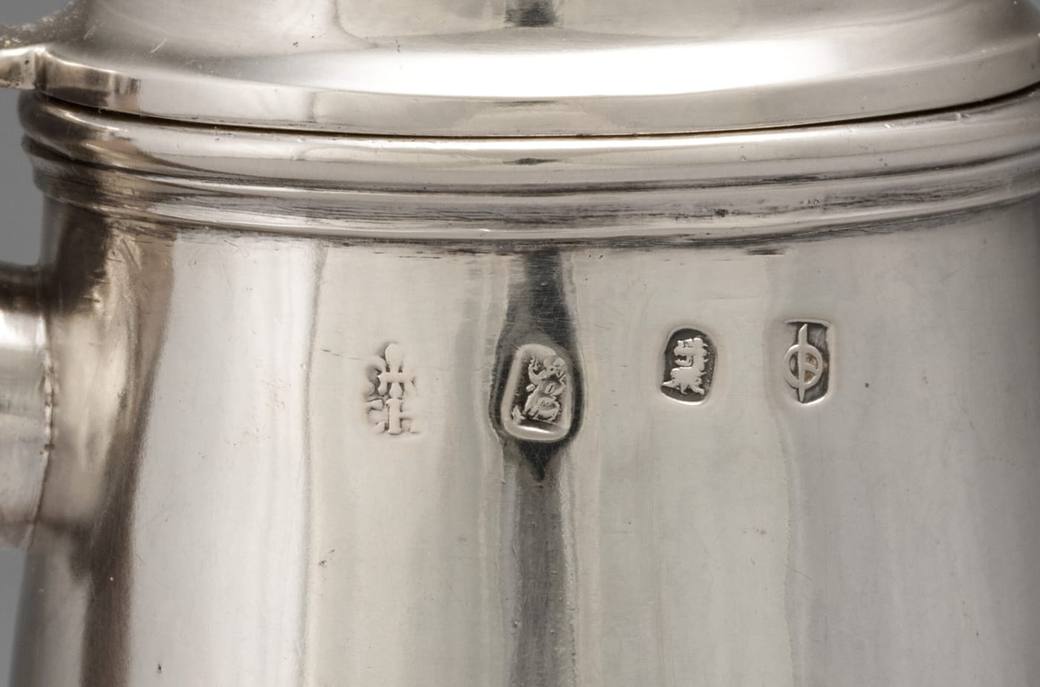
Struck marks on silver sit on a polished, often curved surface that reflects whatever is around it. In the museum photograph below, the four punches are taken side-on and close, so the whole row fits in the frame, and bright streaks run down the body between them.
Crop before you send
After each photo the app asks you to crop around the item you want identified, by dragging the corners, and you can retake or remove a photo at that point. You can also choose photos you have already taken from your library, and the camera offers a 0.5x and a 1x lens.1 Cropping keeps the piece, or the mark, as the main subject of the picture.
If the app still cannot give a confident identification, it says the photo did not have enough detail and asks for a clearer shot.1 That is the moment to go back over the three steps: more light, a steadier hand, and closer.
Sources
Every fact above is taken from these sources. The small numbers in the text point to them.
- The Velqo app's capture guidance (camera screen, photo slots, photo tips and photo checks)
- Wine pot in the shape of a peach (cadogan type), Meissen Manufactory, ca. 1725 (accession 1974.356.488)
- Teapot, Worcester Porcelain Factory (British, established 1751), c. 1755–75 (accession 2009.108)
- Saucer, Wedgwood Factory (British), 1800s (accession 1950.356.b)
- Vase, Rookwood Pottery Company (American, established 1880), 1893 (accession 1991.140)
- Coffee Pot, John Chartier (British), 1702 (accession 1987.163)
- Covered vase, De Porceleyne Bijl (The Porcelain Axe) Factory, Delft, 1764–88 (accession 1975.1.1615a,b)
- Olive-green ground vase with pâte-sur-pâte decoration, Minton(s), 1884 (accession 2019.597.3)
- Saucer, Sèvres, 1777 (museum no. O100402)
Last checked: 22 November 2026. Compiled with the help of AI from the sources on this page and checked against them. Published by The Apptor. How this is made.